A blinking LED aquarium light usually signals power, driver, controller, or moisture issues.
I’ve worked with aquariums and lighting systems for years, and I’ll walk you through why is my led aquarium light blinking, how to diagnose the cause, and clear fixes you can do today. This guide blends hands-on experience, troubleshooting steps, and prevention tips so you can stop the blinking fast and protect your fish and plants.
Common causes of a blinking LED aquarium light
When you ask why is my led aquarium light blinking, you’re usually seeing a symptom, not the root cause. Here are the most common reasons.
- Power supply problems
A weak or failing power supply can cause intermittent blinking. Loose plugs, faulty cords, or unstable outlets often cause flicker. - Faulty LED driver
The LED driver controls current to the LEDs. A failing driver will produce regular or irregular blinking. - Controller or timer settings
Many LED aquarium lights use built-in controllers, apps, or timers. Wrong settings or firmware glitches can cause blinking. - Overheating and temperature protection
Some units blink to signal thermal protection. If the fixture overheats, it may pulse or flash until it cools. - Moisture and corrosion
Splash, humidity, or condensation can create short circuits. Corrosion on contacts or connectors triggers blinking. - Loose connections or damaged wiring
Vibration, poor assembly, or wear can loosen internal or external wiring and create intermittent contact. - LED chip failure or aging LEDs
Individual LEDs or circuits can fail over time, causing partial or full-panel blinking. - Power surges and electrical interference
Surge events or noisy circuits can reset drivers or controllers and produce blinking.
How to diagnose why is my led aquarium light blinking
Diagnosing is faster than you think when you follow a simple process. Take each step slowly and safely.
- Visual inspection
Turn off power, unplug the fixture, and look for corrosion, water, or broken parts. Smell for burned components. - Check outlets and power source
Plug the light into a known-good outlet or use a surge protector. Verify the outlet voltage if you have a tester. - Test the power adapter and driver
Swap with a compatible adapter if available, or test the adapter output with a multimeter. Drivers that produce unstable voltages are suspect. - Inspect cables and connectors
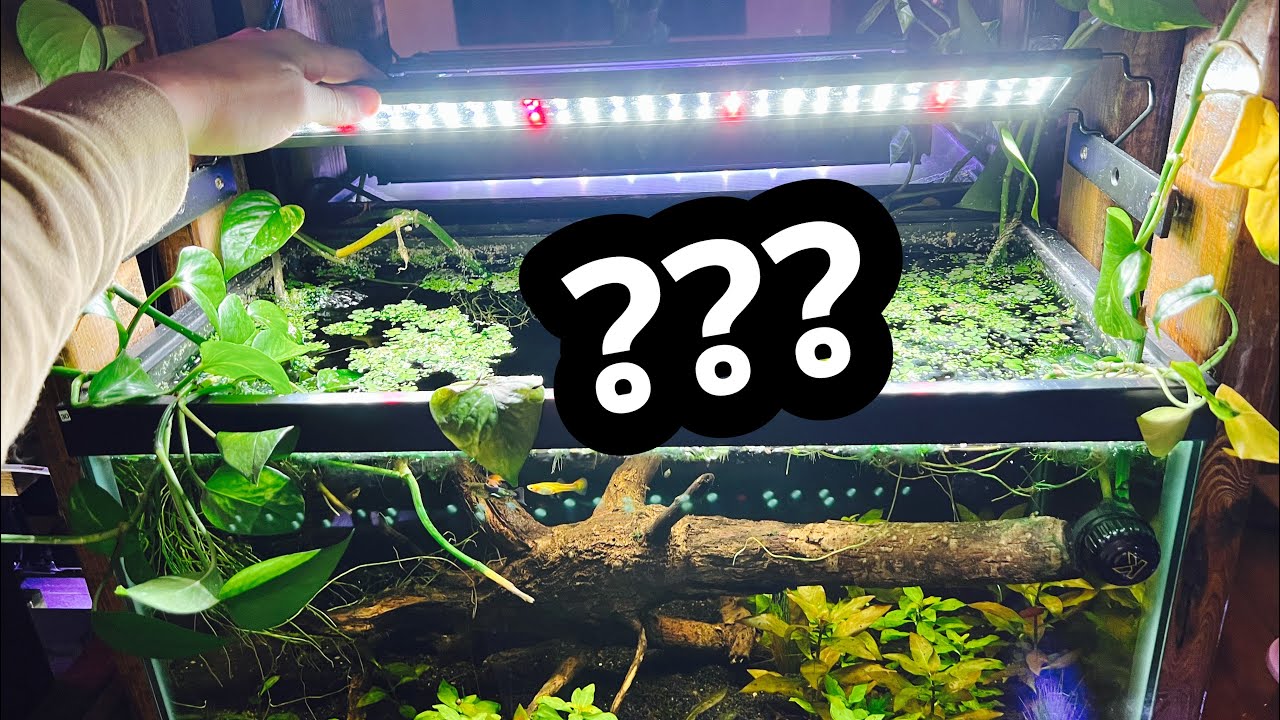
Wiggle cables while powered on and observe blinking behavior. Loose connections often change blink patterns. - Review controller and app settings
Reset timers and color programs to defaults. Update firmware if the manufacturer provides an update. - Rule out temperature issues
Run the light in open air for a short period. If blinking stops, heat or ventilation was likely the issue. - Isolate LEDs
If the fixture has segmented control, turn segments on one at a time. Isolate faulty segments to narrow the problem. - Look for water intrusion
Check seams, seals, and internal compartments. Any visible moisture likely needs drying and repair.
These steps will tell you why is my led aquarium light blinking in most cases and guide you to the right fix.
Fixes for specific blinking causes
Once you know why is my led aquarium light blinking, apply targeted fixes. Use these practical steps.
- Power supply fixes
- Replace damaged power cords and wall adapters.
- Use a surge protector or uninterrupted power source.
- Ensure outlet wiring is stable and grounded.
- Driver and electronics fixes
- Replace the LED driver if voltage or current is unstable.
- If the driver is built-in, contact the manufacturer for repair or replacement.
- Avoid cheap knockoffs; use OEM or high-quality replacements.
- Controller and firmware fixes
- Reset the controller to factory settings.
- Reinstall or update firmware following the manufacturer steps.
- Re-pair Bluetooth or Wi-Fi controllers to ensure stable communication.
- Overheating fixes
- Improve ventilation above the tank.
- Raise the fixture or add a cooling fan if allowed.
- Reduce intensity or runtime to lower heat buildup.
- Moisture and corrosion fixes
- Dry the fixture completely before reuse.
- Clean corroded contacts with isopropyl alcohol and a soft brush.
- Replace seals or gaskets, and consider silicone re-sealing where appropriate.
- Wiring and connection fixes
- Tighten terminal screws and replace frayed wires.
- Use dielectric grease on external connectors to prevent corrosion.
- Secure cables to prevent movement and strain.
- LED chip or panel replacement
- If individual LEDs fail, replace the LED strip or module.
- For sealed fixtures, consult the manufacturer or authorized service center.
- When to replace the fixture
- If multiple components fail and cost to repair approaches replacement cost, buy a new unit.
- Choose models with good warranties and water-resistant ratings for aquarium use.
From my experience, small fixes like reseating connectors or replacing a driver solve most blinking problems. If you opened a unit and voided warranty, weigh repair cost vs. replacement.

Maintenance and prevention to avoid future blinking
Routine care prevents many blinking issues and extends fixture life.
- Regular inspections
- Check for corrosion, loose wires, and water on the fixture monthly.
- Clean contacts and housings gently to remove salt creep or mineral buildup.
- Use proper mounting and clearance
- Keep the fixture above splash height and ensure airflow around the unit.
- Avoid placing it where humidity accumulates.
- Protect against power problems
- Use surge protectors and clean, grounded outlets.
- Consider a small UPS if your area has frequent outages.
- Follow manufacturer guidelines
- Stick to recommended run times, cleaning methods, and replacement parts.
- Register the product for warranty and firmware updates.
- Keep a maintenance log
- Track when you clean, update firmware, or replace parts.
- A log helps spot patterns if blinking returns.
These small routines cut down on surprises and help you answer why is my led aquarium light blinking before it starts.

Safety, warranty, and when to call a pro
Damage from water and electricity is serious. If you are unsure, stop and get help.
- Safety tips
- Always unplug the light before inspecting or cleaning.
- Do not use household tools around live water without shutting power.
- Wear gloves when handling corroded parts.
- Warranty considerations
- Check your warranty before opening the fixture.
- Many warranties void if you disassemble the unit.
- When to call a pro or replace the light
- The fixture has internal water damage or burned electronics.
- You lack the tools or confidence to test drivers and wiring.
- Multiple repairs are needed and the unit is out of warranty.
I once tried to repair a sealed fixture with internal corrosion and ended up replacing it; the replacement saved time and ensured safe operation. Choose repair only if cost-effective and safe.

Frequently Asked Questions of why is my led aquarium light blinking
Why is my led aquarium light blinking on and off?
Blinking on and off often points to a loose power connection, a failing driver, or a controller glitch. Check cables, the power adapter, and controller settings first.
Can moisture make my LED aquarium light blink?
Yes. Moisture can cause short circuits and corrosion on contacts, leading to intermittent blinking. Dry the unit completely and clean any corroded contacts.
Is blinking a sign I need a new light?
Not always. Many blinking cases are fixable with a new driver, cable, or updated firmware. Replace the light if multiple components fail or if repair costs are high.
Could overheating cause my LED aquarium light to blink?
Yes. Some fixtures blink to signal thermal protection or may flicker if LEDs overheat. Improve ventilation, reduce intensity, or check cooling components.
Will firmware updates stop my LED from blinking?
Firmware updates can fix controller-related blinking and connectivity bugs. Reset or update the controller firmware as part of troubleshooting.
How do I test if the LED driver is the problem?
Use a multimeter to check the driver’s voltage output under load, or swap in a known-good compatible adapter. Unstable or no output indicates driver failure.
Conclusion
Blinking lights are an early warning. By understanding why is my led aquarium light blinking, inspecting power and connectors, and checking drivers, you can fix most problems quickly. Start with simple checks, use proper tools, and protect your warranty. If you’re unsure, seek professional help to avoid electrical or water damage. Try the diagnostic steps above, make needed fixes, and leave a comment with your experience or questions — I’ll help you troubleshoot further.